

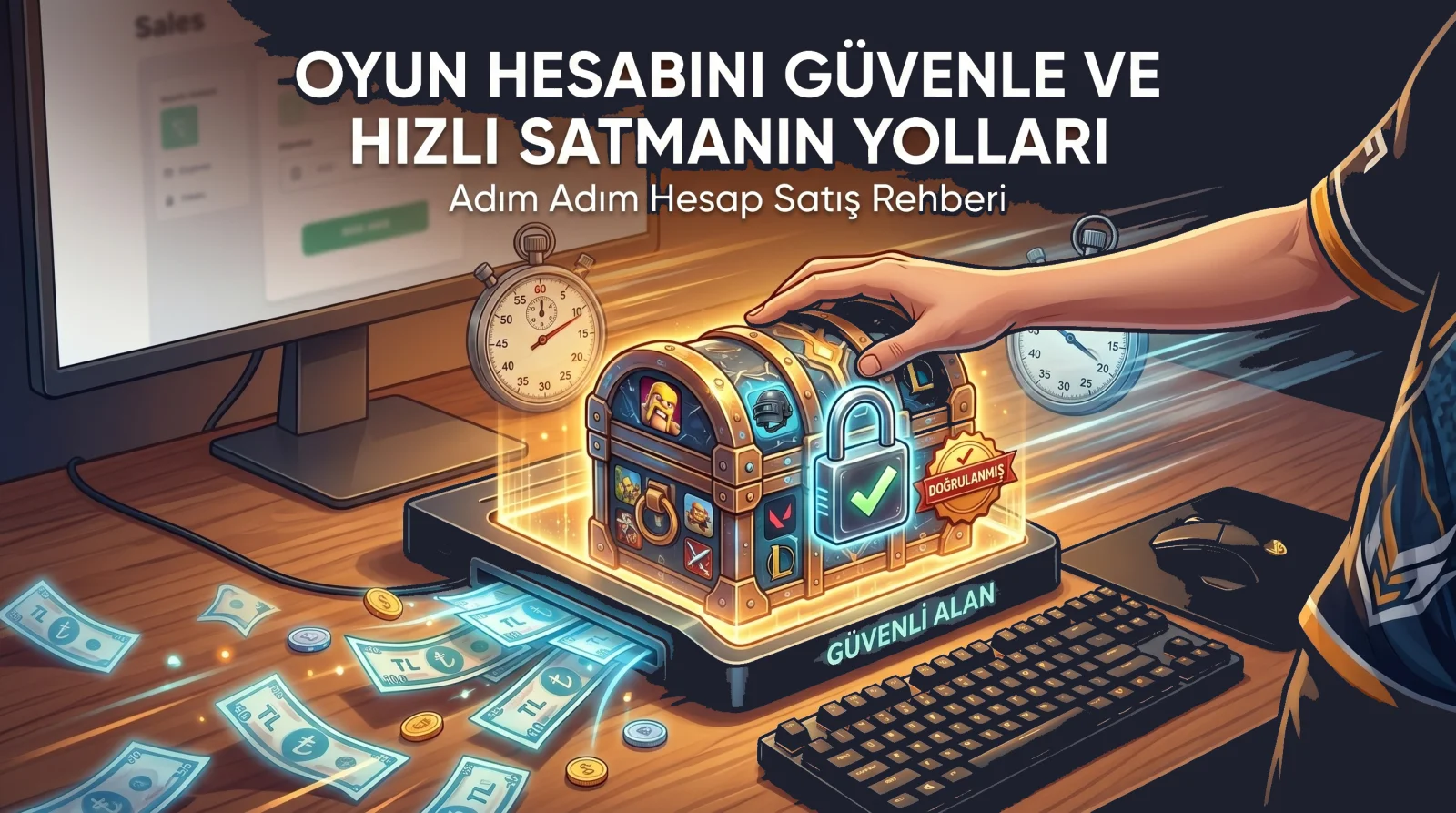
The secret to selling a game account at a good price and quickly is winning the buyer's trust at first glance. Buyers compare dozens of listings and decide in seconds: Is this listing trustworthy, is the product as described, is the seller reachable? In this guide we cover the steps, from preparing your listing to delivery, that will speed up your sale and protect you from scammers.
1. Write a Clear, Searchable Title
Buyers type exactly what they want into the search box: game name, rank, level or a specific item. If your title does not include these words, your listing will not show up in searches. A good title includes three things:
- Game name: Use the well-known name rather than an abbreviation (e.g. "Valorant", "League of Legends").
- The strongest feature: Rank, level, rare skin or number of characters.
- A key trust detail: Such as "original owner" or "email included".
For example, instead of "Account for sale", a title like "Valorant EU Ascendant Account, 45 Skins, Original Owner, Email Included" both shows up more in searches and gives the buyer confidence at first glance. Overusing capital letters and exclamation marks makes a listing look less trustworthy.
2. Add Plenty of Real Images
Images are the most important factor in whether a buyer trusts your listing. Instead of ready-made images from the internet or the game's promotional art, use screenshots taken from your own account.
- Add clear screenshots of the inventory, stats and rare items.
- Choose the most impressive part of the account (rare skin, high rank) as the cover image.
- Make sure no personal information, email addresses or details of other accounts are visible.
- An image showing the username proves the account really is yours and builds trust.
3. Price It Right
Price is the biggest factor in how fast your listing sells. An overpriced listing sinks to the bottom; a price far below market makes buyers suspect "something is wrong with this".
- Review active listings for the same game and similar features in the marketplace.
- Identify what sets your account apart (rare items, account age, clean history) and set the price accordingly.
- If you want room to negotiate, keep it reasonable; respond quickly and politely to offers from the offer system.
- If there is no interest within a few days, review the price and description again.
If you are not sure how to value your account, see our account valuation guide.
4. Fill In the Description Completely
The answers to any question a buyer might have should be in the description. Missing information sends the buyer to another listing instead of asking. A good description includes:
- Account content: level, rank, characters, rare items.
- Region and platform.
- Account history: are you the original owner, has it ever been penalised?
- What will be handed over: email, phone, two-step verification.
- Delivery time and method.
Honesty pays off in the long run. If the account has a shortcoming, stating it clearly prevents post-delivery disputes and negative reviews.
5. Strengthen Your Store Profile
Buyers look not only at the listing but also at the seller. Your store name, profile and cover image and "about" text should look professional. Completing identity and phone verification shows trust badges on your profile and makes the buyer's decision easier, especially for higher-value sales.
6. Reply Fast
First response time is one of the most critical factors in a sale. A buyer usually asks several sellers at once and buys from whoever replies first. Keeping notifications on, replying to on-site messages quickly and answering questions in the Q&A section where everyone can see them clearly increases your chances of selling.
7. Stay On-Site and Deliver Safely
Sellers are scam targets too. The most common seller scams are:
- Fake receipt: The buyer claims to have paid off-site and sends an edited receipt.
- Fake system message: Official-looking text such as "your payment is confirmed, deliver the product" is sent in chat.
- Chargeback: A buyer who paid by card off-site disputes the charge with their bank after receiving the product.
The protection against all of these is the same: accept payment only through the platform, and deliver only after seeing the payment confirmed on the order page. In an on-site sale, the payment goes to your account when the buyer confirms delivery; in a dispute, messages and delivery records protect you.
8. Deliver Completely and Ask for a Review
At delivery, hand over the email, password and any two-step verification details in full; clean your own personal information from the account beforehand. A complete delivery lets the buyer confirm quickly and the payment reach you sooner. After every successful sale, ask the buyer to leave a review; high ratings and positive reviews bring more attention to your future listings.
Seller Checklist
- The title includes the game name, strongest feature and a trust detail.
- I added clear images from my own account.
- I set the price by comparing similar listings.
- The description fully covers content, region, history and delivery.
- My notifications are on and I reply to messages quickly.
- I accept payment only through the platform.
If you are ready, create your listing and reach thousands of buyers. A well-prepared listing often finds its buyer quickly.


Comments 0
No comments yet. Be the first to comment!