


Buying a game account can be a safe transaction when the right steps are followed. Looking at scam cases, though, almost all of them come down to the same few mistakes: rushing, leaving the site and paying without protection. In this guide we explain ten rules to apply at every stage of the purchase, and why.
Before You Buy
1. Always transact on-site
Complete every step on the platform, including negotiation, Q&A and payment. A scammer's first goal is to pull you onto WhatsApp, Telegram or Discord, because conversations and payments there have no protection. A conversation kept in on-site messages can be reviewed by support in a dispute and serves as evidence in your favour.
2. Check the seller's profile and rating
The seller's review count, average rating, store age and past sales are strong trust signals. Look not only at the star average but at what reviews actually say: delivery time, communication, problem solving. If you are making a large purchase from a store opened a few days ago with no reviews, be extra careful.
3. Be suspicious if the price is too low
Listings far below market value are scammers' most effective bait. Be careful with very cheap listings backed by phrases like "urgent sale" or "today only". Compare listings for the same game and similar features in the marketplace to see a realistic price range. If the price is half of the others, there is always a reason.
4. Read the listing and ask questions in writing
The listing should clearly state account level, content, region, email transfer and delivery time. Missing information, generic images or evasive answers are warning signs. Ask your questions in the listing's Q&A section or in on-site messages; the seller's written answers become a reference if problems arise later. We especially recommend asking:
- Did you create the account yourself, or did you buy it before?
- Will the email linked to the account be transferred to me?
- Has the account ever received a penalty or ban?
- How long will delivery take, and how will it be done?
During Payment
5. Use the protected payment step
Pay through the platform's protected payment flow, not directly to the seller. In this system, the payment waits on the platform until you confirm delivery; if the seller does not deliver, you are refunded. Payments by bank transfer to the seller's IBAN, crypto or gift cards have no such protection. For larger or custom deals, you can use the Escrow (protected transaction) service.
6. Don't let yourself be rushed
Pressure like "there's another buyer, if you don't pay in five minutes I'll sell" or "the offer is ending" is a classic manipulation technique. The aim is to get you to pay without thinking or checking. A genuine seller is not bothered when a buyer asks a few questions or wants to use protected payment. Stay away from sellers who rush you.
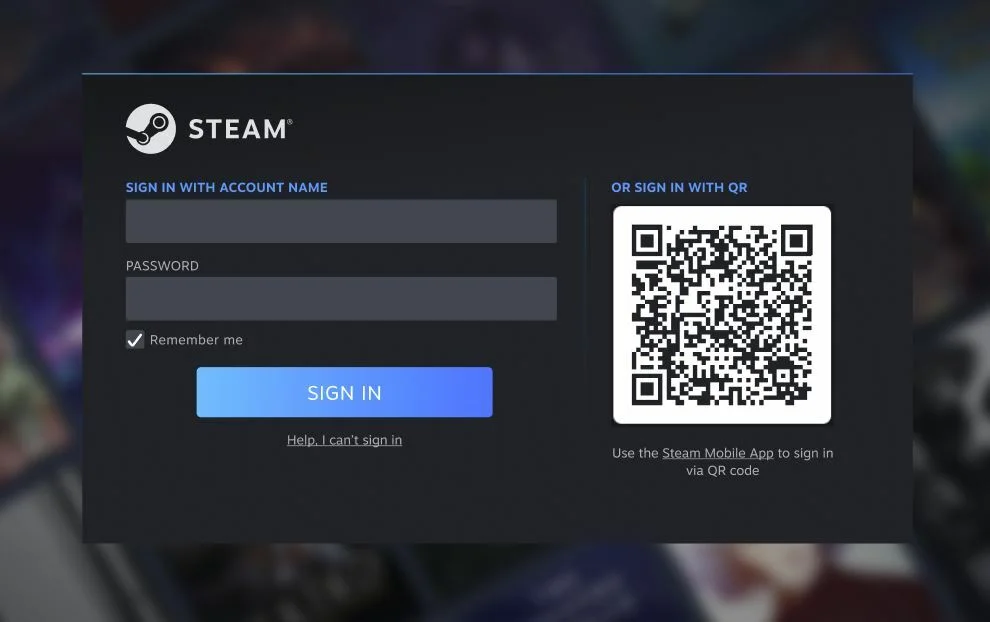
7. Never share passwords or verification codes
When buying an account, you never need to share passwords, SMS codes or card details for your own accounts. Messages like "send the code to confirm payment" or "support needs verification" are scam attempts. The platform's real notifications appear only on your account's notification and order pages; text that looks like a "system message" typed into a chat is not official.
After Delivery
8. Check the delivery right away and secure the account
When you receive the account, before confirming:
- Log in and check that everything promised in the listing (level, inventory, region) is in the account.
- Change the linked email to your own address and verify it.
- Change the password and update any security questions.
- Enable two-step verification and save your backup codes.
- If a phone number or third-party logins are linked, move them to yourself.
Do not confirm delivery before these steps are done. The moment you confirm, the payment goes to the seller.
9. Leave a review
Once the transaction is done, rate your experience honestly. Your review helps good sellers stand out and helps other buyers decide well. If you had a bad experience, writing about it openly is one of the most effective ways to protect the community.
10. When in doubt, stop and contact support
At the slightest hesitation, stop the transaction. If the seller delivered something different from the listing, refuses to transfer the email or is directing you off-site, do not confirm delivery and contact support. Waiting is always better than losing.
Bonus: Warning Signs
- A price far below market
- Insisting on off-site communication and payment
- Refusing protected payment
- Not accepting email transfer
- Time pressure
- Asking for passwords, codes or card details
- Fake-looking system messages
Summary
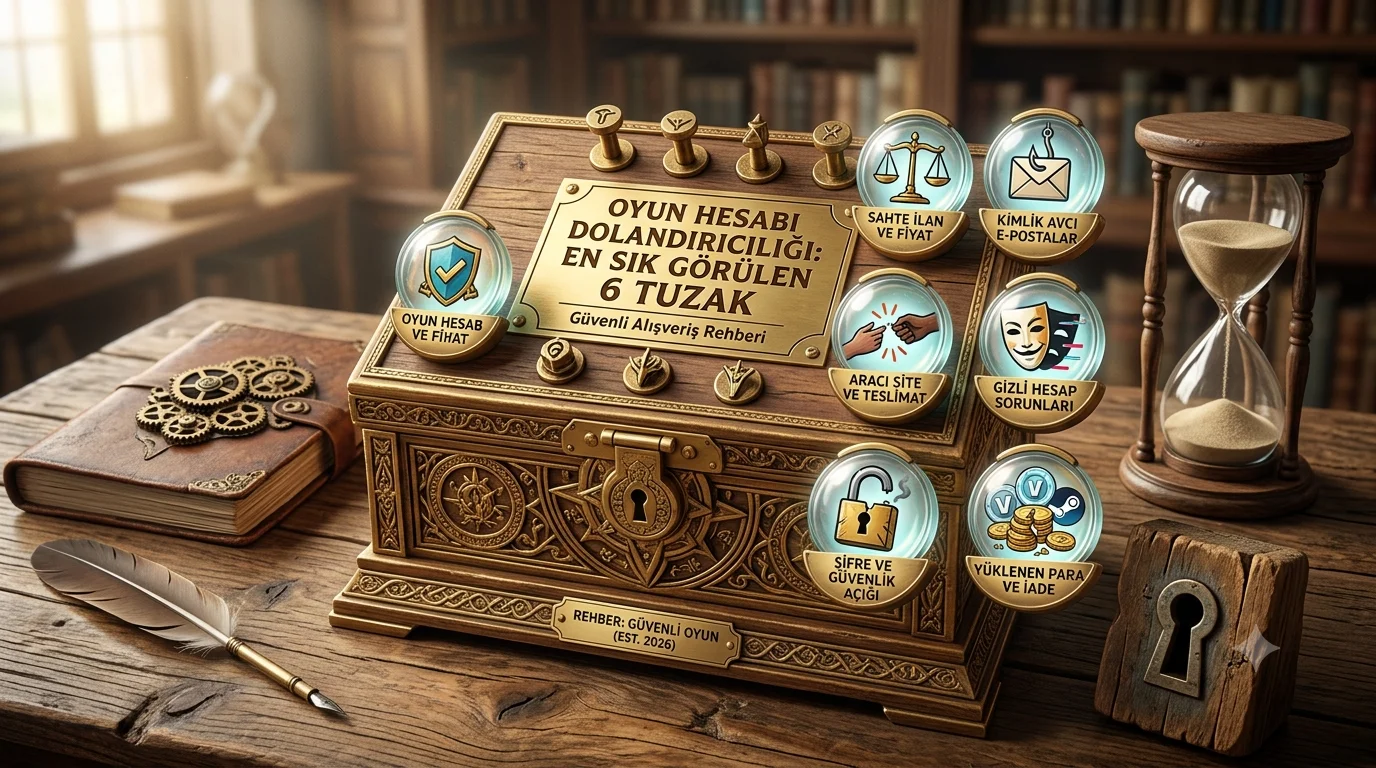
Stay on-site, check the seller, use protected payment and take over the account as soon as you receive it. These four habits greatly reduce scam risk. To learn common scam methods in more detail, read our article on the 6 most common traps.

Comments 0
No comments yet. Be the first to comment!