

Older Discord accounts can hold value for some collectors because of rare badges or short usernames. But unlike game accounts, a Discord account is tied directly to your digital identity, with years of private messages, server memberships and linked accounts. So before deciding to sell, you need to understand both the risks and the preparation required.
What You Need to Know First: Discord's Rules
Discord's Terms of Service do not allow accounts to be sold, licensed or transferred to someone else. This means a sold account can be closed if Discord detects it; both seller and buyer take on this risk. Transferring an account also means passing on all of its history. That is why preparation before the sale is the most important part of the process.
What Determines a Discord Account's Value?
- Account age: Accounts created in Discord's early years (2015-2016) are rarer.
- Badges: Badges that can no longer be earned add the most value. For example, the "Early Supporter" badge was given to accounts that bought Nitro before October 2018 and cannot be earned today. The early verified bot developer badge is similarly no longer issued. Badges anyone can easily get, such as HypeSquad, add little value.
- Username: Since Discord moved from the tag (#1234) system to unique usernames in 2023, short, meaningful and memorable usernames have gained value.
- Server ownership: Accounts that own a large server are sometimes seen as valuable for that reason. But selling server ownership directly affects that community's trust; think about your responsibility to the community and moderators before doing so.
Before the Sale: Clean Your Personal Data
When you hand over the account, everything you leave in it goes to the buyer. Before selling, always:
- Direct messages: Delete your own messages in conversations you want gone. Closing a DM does not delete the messages; the history reappears when the conversation is reopened.
- Server memberships: Leave personal, school or work servers. Conversations and member lists there should not remain accessible to the buyer.
- Connections: Remove linked accounts such as Steam, Spotify, YouTube and Xbox under Settings > Connections.
- Authorised apps: Under Settings > Authorized Apps, revoke all apps and sites you signed into with Discord.
- Friends list: Consider clearing it so your friends don't mistake the buyer for you.
- Data request: If you want to keep the account's history, download your data package from Privacy settings before selling.
Nitro and Payment Details
If the account has an active Nitro subscription paid with your card, before selling:
- Cancel the automatic renewal.
- Remove all saved payment methods under Settings > Billing. Otherwise the buyer could make purchases with your card.
- State the remaining Nitro time clearly in the listing; renewal after it ends is the buyer's responsibility.
Safe Transfer Steps
A complete transfer matters for both buyer and seller. An incomplete transfer means the seller could take the account back or the buyer could lose access.
- Email: Change the linked email to the buyer's address and verify it.
- Password: The buyer should change the password immediately after receiving the account.
- Two-factor authentication: The seller should turn off their authenticator; the buyer should set up their own and save the backup codes.
- Phone number: The seller's number should be removed and the buyer should add their own.
- Sessions: The buyer should log out all other sessions under Settings > Devices.
Payment and Communication
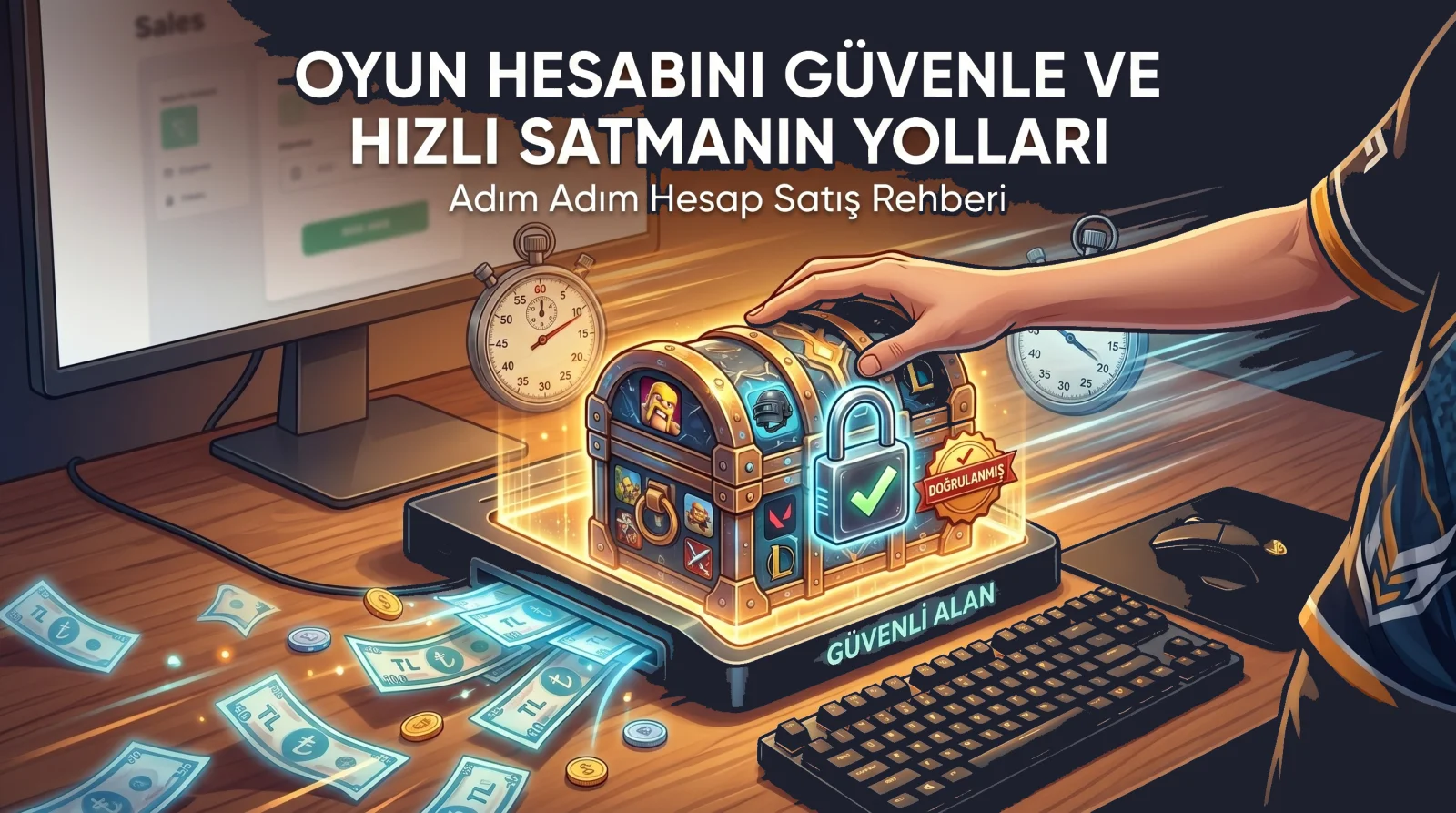
The most common problems in Discord account sales happen when payment is made off-site: the seller delivers but no payment arrives, or the buyer pays but the account is never delivered. The way to prevent this is a protected system where payment waits on the platform until delivery is confirmed. If you also carry out negotiation and transfer steps in on-site messages, the whole process is on record in case of a dispute.
Accounts Not Suitable for Sale
- Stolen accounts or accounts belonging to someone else.
- Accounts that have received warnings, restrictions or security flags from Discord.
- Owner accounts of large servers that would change hands without the community knowing.
For details on our rules, see the Platform Rules page.
Conclusion
Selling a Discord account is not just handing over a username; it means handing over the account's history and connections too. Keep the risk under Discord's rules in mind, always clean your personal data, remove payment details and complete the transfer fully. These steps protect both your privacy and the buyer's security.

Comments 0
No comments yet. Be the first to comment!