 Oyun hesapları satış

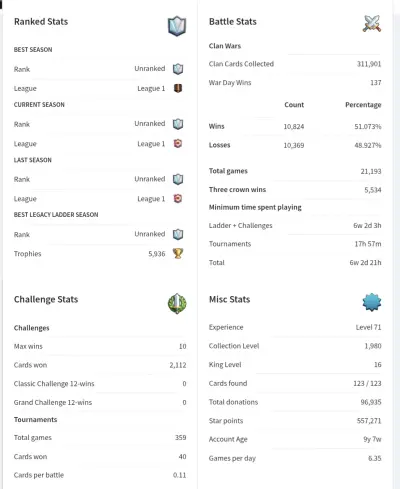
Enter the player tag and see the full game progress of the account.
No listings match what you typed. Try a different word
or clear the search.
How Do You Buy and Use a Clash Royale Account?
Buying a Clash Royale account you like on our site and starting to play on your own device is very easy and secure. Please follow the steps below in order:
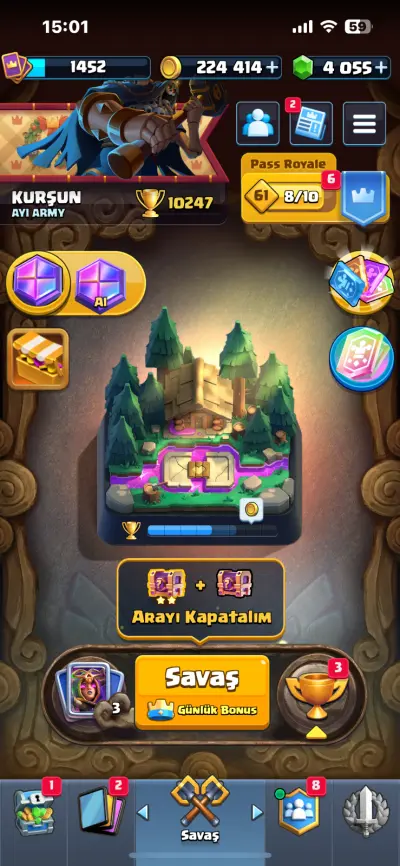
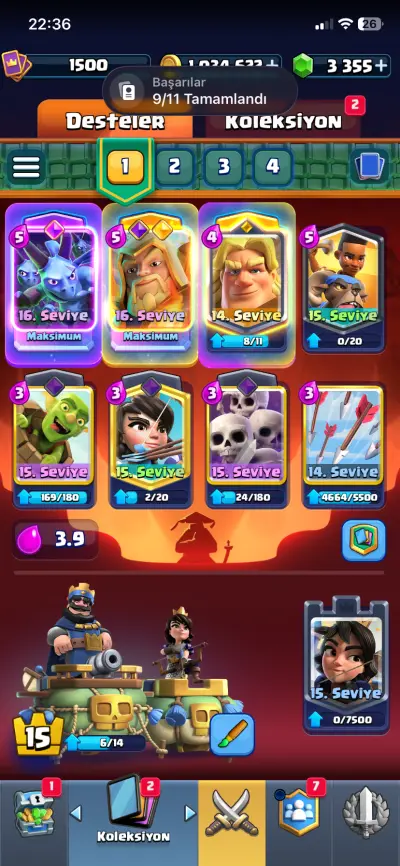
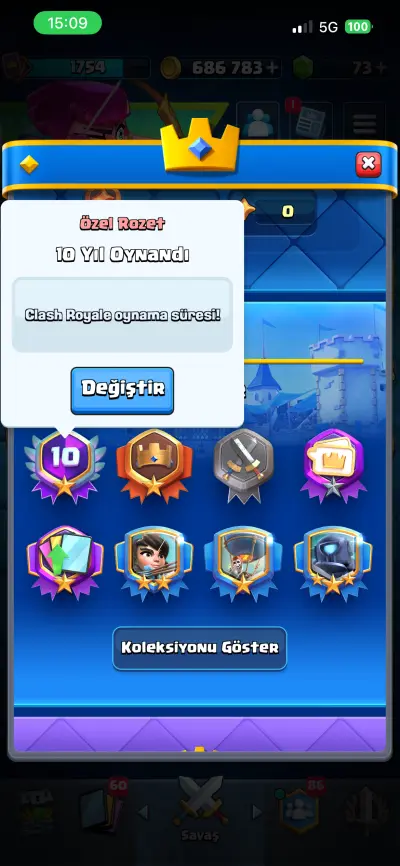
Choosing an Account: Browse the listings in our category. Check the King level, trophy count, legendary card status and Supercell ID link details in the listing, then add the account that suits you best to your cart.
Secure Payment: Complete your order using OyunTicareti's secure payment methods.
Delivery of Account Details: Once your purchase is confirmed, the account's login details (the email and password linked to the Supercell ID, or direct Supercell ID transfer instructions) are delivered to you instantly or within the time stated by the seller.
Logging In: Open the Clash Royale app on your device. Go to "Supercell ID" in the Settings menu and log in with the details you received. Complete the process by entering the verification code sent to your email address.
Security Steps (Important): After logging in successfully, change the password of the email address linked to the Supercell ID to take full control of the account's security, and add a recovery email/phone number if possible.
Congratulations! You're ready to hit the arena with your new, powerful account, collect crowns and defeat your opponents. Have fun!
Your request has been received. An operator will connect with you shortly.
You can quickly log in using the options below.
You can quickly sign up using the options below.
This English version is a translation provided for information purposes only; the Turkish version is the legally binding text.
These Terms of Use ("Terms") govern the use of the digital marketplace services offered through the website under the domain oyunticareti.com and its mobile applications (together, the "Service"), operated by Oyun Ticareti Bilişim ("OyunTicareti", the "Platform", "we"). Anyone who uses the Service (a "User") is deemed to have read, understood and accepted these Terms.
OyunTicareti is not a party to the sale. The sales contract is concluded between the Seller who created the listing and the Buyer who placed the order. The Platform is an intermediary service provider that only provides the technical infrastructure bringing the parties together, listing, messaging, payment collection (through authorized payment institutions) and delivery tracking services.
The content, accuracy, pricing, deliverability and after-sales support of listings are entirely the responsibility of the relevant Seller. As required by law, the Platform removes unlawful content upon notification; however, it is not obliged to review or monitor content in advance.
All payments on the Platform are processed through authorized payment institutions licensed by the BDDK (Turkish Banking Regulation and Supervision Agency) and banks. Card details are processed in the PCI-DSS compliant infrastructure of the relevant payment institution; card numbers, CVV codes and expiry dates are not stored on the Platform's servers.
The amount paid by the Buyer is not added to the Seller's available balance on the Platform until the Seller delivers the product and the Buyer confirms delivery (or the objection period ends without any issue). This mechanism is a delivery confirmation (escrow-like) system operated to protect the Buyer against fraud. Payments are collected through BDDK-licensed authorized payment institutions and bank infrastructures; Oyun Ticareti Bilişim is not an independent payment/electronic money institution within the meaning of Turkish Law No. 6493 on Payment and Securities Settlement Systems, Payment Services and Electronic Money Institutions.
In return for its intermediary service, the Platform is entitled to charge the service fee/commission transparently stated in the listing/order summary.
Pursuant to Article 15 of the Turkish Regulation on Distance Contracts, consumers have no right of withdrawal for services performed instantly in an electronic environment and intangible goods delivered instantly to the consumer (game codes/e-pins, digital account details, digital content). However, if the product was never delivered, does not match its description or is defective, the Buyer is protected under our Refund Policy (see the Refund Policy and the Distance Sales Agreement).
Depending on the nature of the violation, accounts that violate the Terms may be subject to warnings, listing removal, sales/purchase restrictions, temporary/permanent account suspension, review/freezing of the relevant balance and, where necessary, notification to the competent authorities. The Platform reserves the right to claim compensation for its damages where a right of recourse arises.
All intellectual property rights in the software, design, trademarks, logos and content on the Platform belong to Oyun Ticareti Bilişim. Users undertake that they hold the necessary rights to the content they upload and grant the Platform the limited, non-exclusive right of use needed to display that content on the Platform.
As an intermediary service provider, the Platform is liable within the scope of a reasonable duty of care. The Platform cannot be held liable for force majeure, third-party service outages (payment infrastructure, internet provider, game publisher server issues, etc.), damages caused by the User's own fault, or performance failures directly related to the contract between Seller and Buyer.
The Platform retains user data and traffic records for the legally required periods under Turkish Law No. 6698 on the Protection of Personal Data (KVKK) and Law No. 5651 on the Regulation of Internet Publications and Combating Crimes Committed Through Such Publications. For detailed information on the processing of personal data, please see the Privacy Policy and the KVKK Information Notice.
The User may request to close their account at any time. The Platform has the right to suspend/close an account in cases of unlawful use, unfounded chargebacks, suspected fraud or violation of these Terms. If there are ongoing orders, balances, disputes or legal retention obligations, the account is closed after these obligations have been settled.
These Terms are governed by the laws of the Republic of Türkiye. Disputes are first sought to be resolved through the Platform's internal support/objection mechanism. Users acting as consumers may apply to the Consumer Arbitration Committees or Consumer Courts depending on the monetary limits; in all other cases the Istanbul Anatolian Courts and Enforcement Offices have jurisdiction.
The Platform may update these Terms from time to time. The current version is always published on this page; in the event of material changes, Users are informed by appropriate means (on-site notification, email, etc.).
Oyun Ticareti Bilişim ("OyunTicareti") — Address: Hürriyet Mahallesi, Demir Sk. No:14 Daire:5, Kartal/İstanbul, Türkiye — Phone: 0545 574 64 64 — Email: [email protected] — Web: oyunticareti.com
Related documents: Privacy Policy · KVKK Information Notice · Distance Sales Agreement · Refund Policy · Cookie Policy · Platform Rules
This English version is a translation provided for information purposes only; the Turkish version is the legally binding text.
This Privacy Policy explains how we, Oyun Ticareti Bilişim ("OyunTicareti", "we"), collect your personal data within the Service we provide through oyunticareti.com, for what purposes we process it, with whom we share it and how you can exercise your rights. The Policy has been prepared in accordance with Turkish Law No. 6698 on the Protection of Personal Data (KVKK) and related legislation.
In addition to cookies that are strictly necessary and functional for the site to work, our site displays advertising and measures ad performance:
Advertising and measurement cookies are used for personalisation only if you allow them in your cookie preferences; otherwise only non-personalised ads are shown. You can change your preferences at any time via the "Cookie Settings" link at the bottom of the page.
You can opt out of personalised advertising via Google Ads Settings, and opt out of third-party vendors' use of cookies for personalised advertising at www.aboutads.info. To learn how Google uses data from sites that use its services, see this page.
For details, please see our Cookie Policy.
Your personal data may be shared with the following categories, only to the extent appropriate and necessary for the purpose:
Some of our server/infrastructure providers may be located abroad. In such cases, the KVKK provisions on cross-border transfers are complied with and the necessary security measures are taken.
Your data is retained after the purpose of processing ends for the periods required by the relevant legislation (e.g. 10 years for commercial books and records under Art. 82 of the Turkish Commercial Code, 5 years for records under tax legislation per Art. 253 of the Tax Procedure Law, and 8 years for transaction records under MASAK legislation per Art. 8 of Law No. 5549). At the end of these periods, it is deleted, destroyed or anonymized.
To protect your personal data, we take appropriate technical and administrative measures such as TLS encryption, access control, password hashing, session security, log auditing, firewalls (including Cloudflare WAF) and backups. Although absolute security cannot be guaranteed, we undertake to exercise reasonable care in line with industry standards.
As a data subject, you have the right to: learn whether your personal data is processed; request information if it has been processed; learn the purpose of processing and whether it is used for that purpose; know the third parties to whom it is transferred; request correction if it is incomplete/incorrect; request its deletion/destruction; object to any outcome against you arising from automated analysis; and claim compensation for damages.
Pursuant to KVKK Art. 13 and the Communiqué on the Procedures and Principles of Application to the Data Controller, you may apply to us through any of the following channels to exercise your rights as a data subject:
Your application must clearly include the following: full name and, if the application is in writing, a signature; Turkish ID number (for foreigners, nationality/passport number); residential or business address for notifications; email address/phone for notifications, if any; and the subject of the request. Under the Communiqué, applications are concluded free of charge within 30 days at the latest.
The Service is intended only for users aged 18 or over. Persons under 18 may not register on the Platform or provide data. If it is found that a user under 18 has provided data, the account is closed immediately and the data is deleted or anonymized to the extent permitted by law. Preventing minors' access to the Platform is the responsibility of their parents or guardians.
This Privacy Policy may be updated when necessary; the current version is always published on this page. In the event of material changes, you are informed by appropriate means.
Related documents: KVKK Information Notice · Cookie Policy · Terms of Use.
To receive notifications on iPhone and get app-like quick access, add to your home screen:
This page is open in an in-app browser. First tap “Open in Safari” from the “…” menu at the top right, then follow the steps above.